Paper Craft
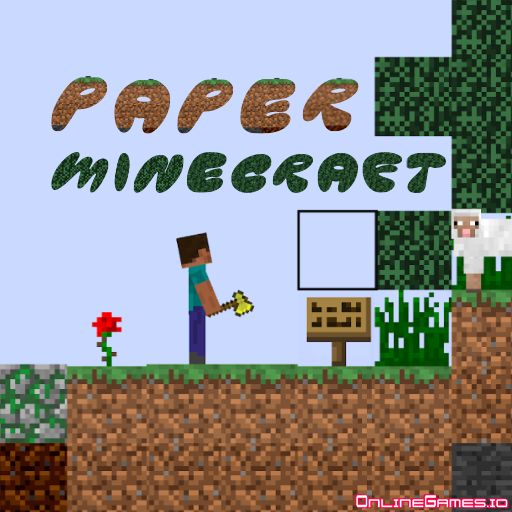
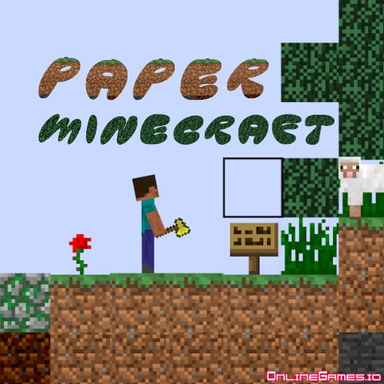
Paper Craft is a 2D survival game where the players try to survive or craft new tools in a rural area. Use your unique creative abilities and craft new tools for yourself in the game. To survive, you will have to hunt and get yourself fresh meat. Otherwise, your character will starve and become weak.
How to Play Paper Craft
If this is your first time playing the game, you can shape your game according to your wishes by pressing the "New Game" button from the main menu. If you've already played this game before, just click "Load Game". It will load the game from where you last left off.
- First, you need to choose the game mode you want to play. There are 3 modes in Paper Craft: Survival, Peaceful and Creative. Each game mode has its own special features.
- From this section, you can make the world type flat and choose one of the two characters given to you: Steve and Alex.
- Finally, you can give yourself the right to acquire an inventory by selecting the Chest option in the help section.
Game Modes in Paper Craft
- Survival Mode: The character tries to survive in the Survival Mode. He will get hungry when the time comes, his health will decrease when he jumps and falls from high places, and he will not have any belongings initially. He will wander around and find materials for himself.
- Peaceful Mode: Unlike Survival Mode, in Peaceful Mode, the character can easily access food when hungry and can heal on his own when his health is damaged. Here, you will see that the game environment is lively and colorful. An area full of flowers will greet you.
- Creative Mode: In Creative Mode, you can destroy and rebuild anything you want. This mode also makes it possible for you to access many materials easily. Use your creativity and create the tools you want.
Controls
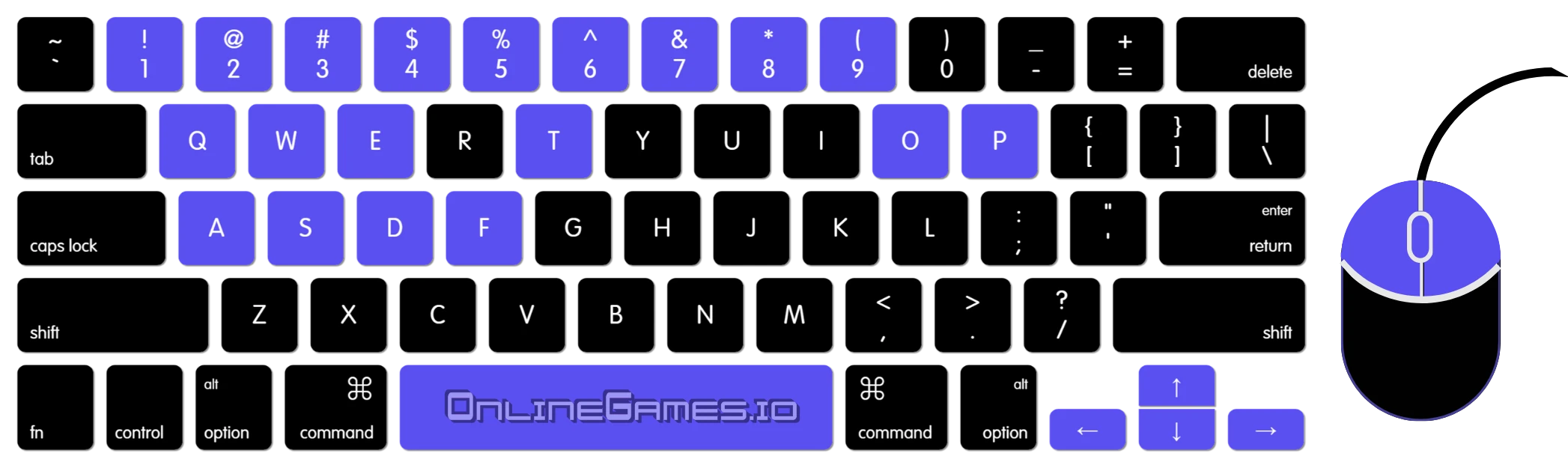
- Use the WASD keys or the Arrow keys to move.
- Use the 1-9 number keys to select items.
- Use the E key and hover to open or close the chest, crafting table, or door.
- Use the E key to open/close the inventory.
- Use the F key to eat.
- Use the Q key to drop the items.
- Use the T key to talk or command.
- Use the mouse click to place or mine.
- Use the Space key to split an item.
- Use the O key to save the game.
- Use the P key to pause the game.
Developer
Paper Craft was created by Griffpatch.
Explore More Games
The creative possibilities in Minecraft Classic are boundless. You have the freedom to dig, carve, and construct anything you want, including a mansion for yourself. For more options, you can look for other crafting games on OnlineGames.io. What's the coolest thing you've ever created in Crafting games? Please share it with us in the comments section!