Motorbike Stunt Simulator
About Motorbike Stunt Simulator
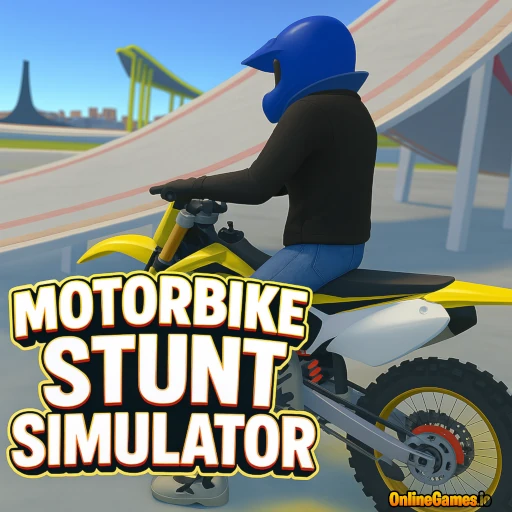
Motorbike Stunt Simulator is a free 3D motorcycle game built entirely around ramps, loops, and impossible tricks. You pick from four dynamic stunt arenas, each stacked with jumps and obstacle courses designed to test how far you can push a bike before you crash. Nailing flips, spins, and jumps racks up your stunt score, and mastering the handling on each arena is most of the challenge.
Eight different motorbike models are unlocked from the start, including a dedicated police motorcycle with its own lights, and switching between them changes how the bike handles in the air. The game runs free in the browser with no download needed, and it is quick to jump into for a few stunt runs at a time.
Controls
| Action | Control |
|---|---|
| Drive the Bike | WASD / Arrow Keys |
| Handbrake | Spacebar |
| Activate Boost | Shift |
| Switch Camera Views | C |
| Reset Scene | R |
| Reset Your Bike | G |
| Turn On Police Lights | E |
| Hide Instructions | X |
| Return to Main Menu | Tab |
| Switch Bike Model | Number Keys 1–8 |
Stunt Arenas
The four arenas in Motorbike Stunt Simulator each favor a different kind of riding. Some lean on tight ramp chains that reward quick flips between obstacles, while others open into longer courses built for building speed before a big jump. Cycling through all four keeps runs varied, and getting comfortable with the layout of each one is the fastest way to start landing consistent tricks instead of crashing mid-air.
Motorbike Models
Pressing a number key from 1 to 8 swaps between eight distinct motorbikes, each with its own weight and handling feel. The police motorcycle stands out with its own lights, toggled on with E, and makes for a fun change of pace even outside of any specific mode. Trying a few different models is worth it early on, since a bike that suits your riding style makes stunts noticeably easier to land.
Tips for Winning at Motorbike Stunt Simulator
Use the handbrake (Spacebar) to adjust your bike's angle mid-air rather than relying on ramp momentum alone, and save boost (Shift) for the approach to a jump so you have enough speed to clear it. If a stunt goes wrong, tap G to reset just the bike instead of R, which resets the whole scene and costs you more time. Switching camera views (C) can also help you judge landings more accurately on tighter courses.
How to Play Motorbike Stunt Simulator
- Choose an arena — pick from the four available stunt maps.
- Pick a bike — press 1–8 to select your motorbike model.
- Build speed — drive with WASD or Arrow Keys toward a ramp.
- Perform the stunt — use boost and handbrake to control flips and spins in the air.
- Land clean — stick the landing to rack up your stunt score, then chase the next ramp.
More Games Like This
If you enjoy this adrenaline-filled ride, try another thrilling challenge on two wheels — this time on a BMX bike — in Obby Bike Trials. Want to compete with other players? Visit the multiplayer games page for a community of stunt fans ready to dominate the leaderboard.