Drift Hunters Pro
About Drift Hunters Pro
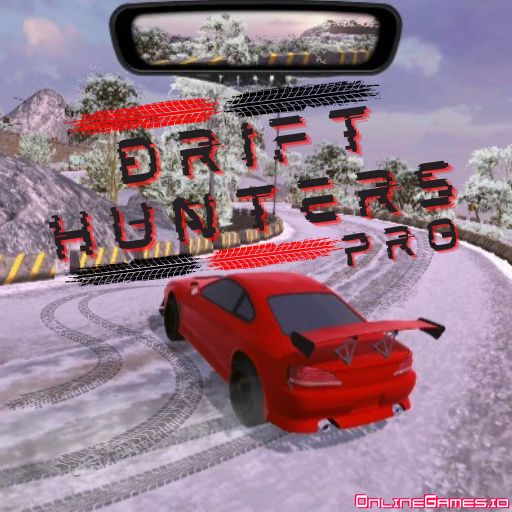
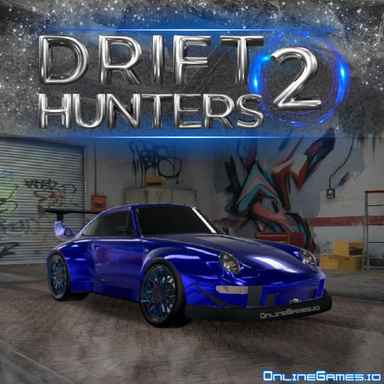
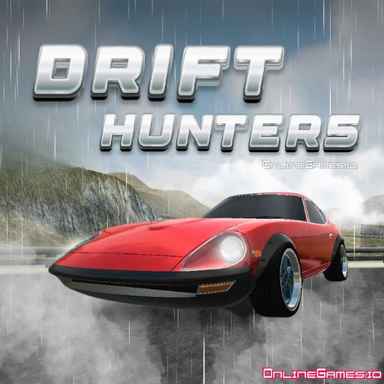
Drift Hunters Pro is a free online 3D drifting and racing game built for players who love the sound of a screeching tire and the challenge of holding a perfect slide through a corner. You can play solo, chasing your own high scores on six different tracks, or drop into a multiplayer room and drift alongside friends and strangers on the same server. A garage of 10 upgradable vehicles sits at the center of the experience — every drift you land earns in-game currency you can pour back into your car, and every new car you unlock opens up a fresh way to attack the same tracks.
Drift Hunters Pro runs entirely in the browser with no download, install, or account required, and works well on both desktop and mobile devices. The physics-driven handling model rewards smooth throttle control and steering input over button-mashing, so the longer you play, the more the drifting starts to feel genuinely skillful rather than random. Between the garage customization, the tuning menu, and the multiplayer rooms, there is always another combo of car, track, and setup worth trying.
Controls
| Action | Control |
|---|---|
| Steer | WASD or Arrow Keys |
| Handbrake | Space |
| Change Camera | C |
| Reset Vehicle | R |
| Switch KMH / MPH | U |
| Start / Stop Engine | I |
| Full Screen | P |
The Garage and 10 Vehicles
The Garage menu is where your drift earnings actually pay off. Ten different vehicle types are available, and you unlock new ones as you rack up rewards from drifting. Once a car is yours, you can repaint it, upgrade its performance, and tune its setup exactly how you like — for a deeper look at picking the right car for your driving style, see our guide on how to choose a car for drifting.
Upgrading and Tuning
Every car in Drift Hunters Pro can be strengthened through five upgrade categories — Engine, Turbo, Gearbox, Handling, and Weight — each one improving how the car responds mid-drift. Beyond raw upgrades, the tuning menu lets you fine-tune physical setup values including front and rear ride height, front and rear camber, turbo pressure, and brake balance and pressure, so you can dial in a car that suits your preferred line through a corner.
Tips for Winning at Drift Hunters Pro
Score comes from how long you can hold a drift, so pick tracks like the racetrack or highway that give you sweeping corners rather than tight, technical ones. Feather the throttle instead of flooring it — a controlled slide earns far more points than a spinout. Reinvest your early earnings into Handling and Turbo before Weight, since a car that turns predictably is easier to chain into long drift combos. Once you have a car you like, spend time in the tuning menu adjusting camber and brake balance until the slide feels natural before pushing for high scores.
How to Play Drift Hunters Pro
- Pick a track — Choose from six available tracks, each suited to a different drifting style.
- Choose your car — Select a vehicle from your unlocked garage, or start with the default car.
- Get moving — Use WASD or the arrow keys to accelerate and steer into the first corner.
- Initiate the drift — Tap the handbrake with Space while turning to break traction and start sliding.
- Hold the slide — Balance steering and throttle to keep the car sliding as long as possible without spinning out.
- Earn and spend — Use your drift earnings to unlock new cars and upgrade or tune the ones you already own.
- Try multiplayer — Create or join a multiplayer room from the main menu to drift alongside friends.
More Games Like This
If Drift Hunters Pro has you hooked on sliding through corners, check out Madalin Stunt Cars Pro for more high-speed driving on open maps, or browse the full library of free drift games on OnlineGames.io.