Chess FreezeNova
About Chess FreezeNova
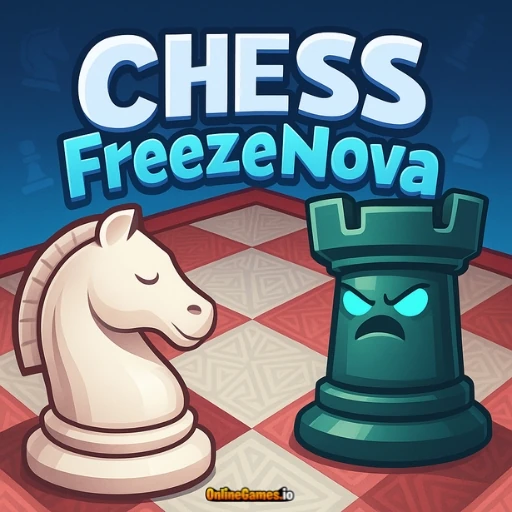
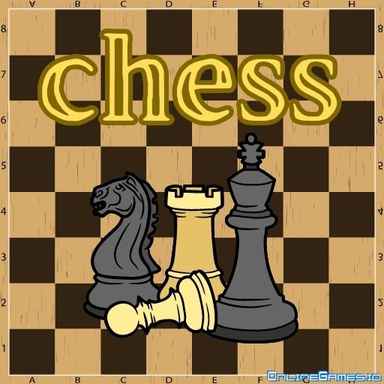
Chess FreezeNova is a free online chess game developed by FreezeNova that lets you play a full match against the computer AI, a friend on the same device, or opponents from around the world. Whether you're just learning the rules or you're a seasoned competitive player, the game gives you full control over the experience: adjust the time limit, pick a difficulty level, choose to play as white or black, and even customize the board and piece colors to your liking.
Chess FreezeNova runs entirely in the browser with no download or install required, playable on both desktop and mobile. Beyond standard matches, it includes a dedicated Puzzles section for sharpening your tactics, an offline pass-and-play mode for when you don't have a physical board handy, and a Vs Friend mode for private matches with people you know.
Controls
| Action | Control |
|---|---|
| Select a Piece | Left Click |
| Move a Piece | Click the Destination Square |
| Move on Mobile | Tap to Select, Tap to Move |
Game Modes: AI, Online, and Training
Chess FreezeNova offers several ways to play depending on what you're in the mood for. Beginners can challenge the AI at an adjustable difficulty level to practice without pressure, while more confident players can search for a real opponent online and compete on the leaderboard. Training Mode is built specifically for improving your play, letting you study positions and openings without the pressure of a ranked match.
Strategic Thinking Puzzles
The Puzzles section in the main menu offers Puzzle Training and Puzzle Streak modes, both designed to sharpen your tactical eye by presenting real chess positions for you to solve. Working through these puzzles teaches you moves and combinations you can apply directly in matches against real opponents, making it one of the fastest ways to improve your game between matches.
Offline and Vs Friend Modes
If you don't have a physical chessboard handy, Play Offline lets you play a full turn-based match against a friend on a single device, passing control back and forth after each move. For remote matches, the Vs Friend mode lets you create a private room and share the room code or a direct link, so you and a friend can play the same game from separate homes.
Tips for Winning at Chess FreezeNova
Start on a lower AI difficulty if you're new, and gradually increase it as your confidence grows rather than jumping straight into a tough match. Use the Puzzle Training mode regularly — recognizing tactical patterns like forks, pins, and skewers in puzzles makes them much easier to spot mid-game. Adjust the time limit to match your comfort level; a longer clock gives you room to think through tricky positions without the pressure of a countdown. Finally, review your losses in Training Mode to understand where a match slipped away, rather than only replaying the moves that worked.
How to Play Chess FreezeNova
- Choose your mode — Pick AI, online multiplayer, offline pass-and-play, or Vs Friend.
- Set your preferences — Adjust the time limit, difficulty, and choose white or black pieces.
- Customize the board — Change the board and piece colors if you'd like a different look.
- Make your move — Click a piece to select it, then click a destination square to move it.
- Follow standard chess rules — Capture, castle, and promote pawns as the match unfolds.
- Checkmate your opponent — Corner the opposing king to win the match.
- Practice with Puzzles — Use Puzzle Training or Puzzle Streak between matches to sharpen your tactics.
Developer
Chess FreezeNova is developed by FreezeNova, playable for free on OnlineGames.io directly in the browser with no download required.
More Games Like This
If you like to checkmate, try Chess Fill, where your goal is to paint every square of the board by strategically moving a single chess piece. You can also browse more brain games on OnlineGames.io.