Duckcraft Sandbox
About Duckcraft Sandbox
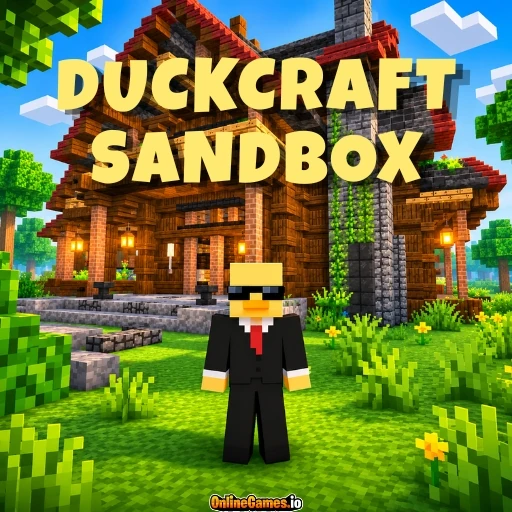
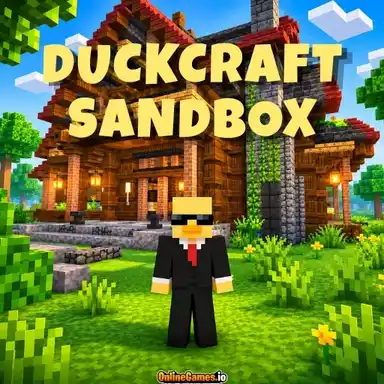
Duckcraft Sandbox is a free online multiplayer sandbox set in a huge blocky world, with room for up to 60 players on the same server. If you love Minecraft, survival crafting, and building games, you will feel right at home. Chop trees, mine blocks, craft tools, and build anything you can imagine, from a small wooden cabin to a giant castle. You can play alone at your own pace or team up with other players and share the world.
The world is full of variety, with green forests, snowy hills, lakes, and wooden villages to explore, plus grand buildings to discover. Day and night, rain, and snow keep the scenery changing as you travel. Your health and hunger bars make survival a real challenge, and a coordinates display in the corner helps you find your way back to your favourite spots. Whether you want to mine, trade, build, or just wander, there is always something new to do.
Controls
| Action | Control |
|---|---|
| Move | W / A / S / D or Arrow Keys |
| Jump | Spacebar |
| Break Blocks | Left Mouse Button |
| Use Item | Right Mouse Button |
| Open Inventory | I |
| Drop Item | Q |
| Change Camera View | V |
| Chat | Enter |
Survival and Crafting
Gather wood, stone, and ore, then turn them into tools and blocks. The inventory has a crafting grid, armor slots, and a recipe book that shows what you can make, from a basic crafting table to pickaxes in different materials. Eat food such as mutton to keep your hunger bar full, and keep an eye on your health as you explore.
Building and Exploring
Every block can be placed or broken, so you can build a cosy cabin, a farm, or a huge castle. The world changes with day and night, rain, and snow, and the camera key lets you switch between views to admire your work or check your surroundings.
Shop and Auction House
Open the in-game shop to buy items like beds and bows, or sell your extra materials for cash. For bigger deals, the Auction House lets you list items at your own price and browse offers from other players, with several listings active at the same time. A Top 100 board shows the richest and most active players.
Server Commands
Chat commands make life easier. Set a home and return to it, teleport to spawn, travel to a random location, or send teleport requests to friends. Other commands show your balance, let you pay another player, check block information, or adjust your camera. Teleporting is blocked for a short time after a fight, so plan your escapes carefully.
Tips for New Players
- Collect wood first and craft a table before anything else.
- Set a home point near your base so you can always find your way back.
- Sell spare items in the shop to earn money for better gear.
- Keep food in your hotbar so you can eat when your hunger bar runs low.
How to Play Duckcraft Sandbox
- Join the server — Press Play to enter a world shared with other players.
- Move around — Use W, A, S, D or the Arrow Keys, and press Space to jump.
- Break and gather — Hold the left mouse button to break blocks and collect resources.
- Craft — Press I to open the inventory and make tools and blocks.
- Use items — Press the right mouse button to place blocks or use what you are holding.
- Trade and chat — Press Enter to chat and use the shop or auction to trade.
Developer
Duckcraft Sandbox is developed by Galatrix and is free to play on OnlineGames.io with no download required.
More Games Like This
Want to keep building? Try DuckCraft World, or explore more titles in the Galatrix collection.