Biblox Online
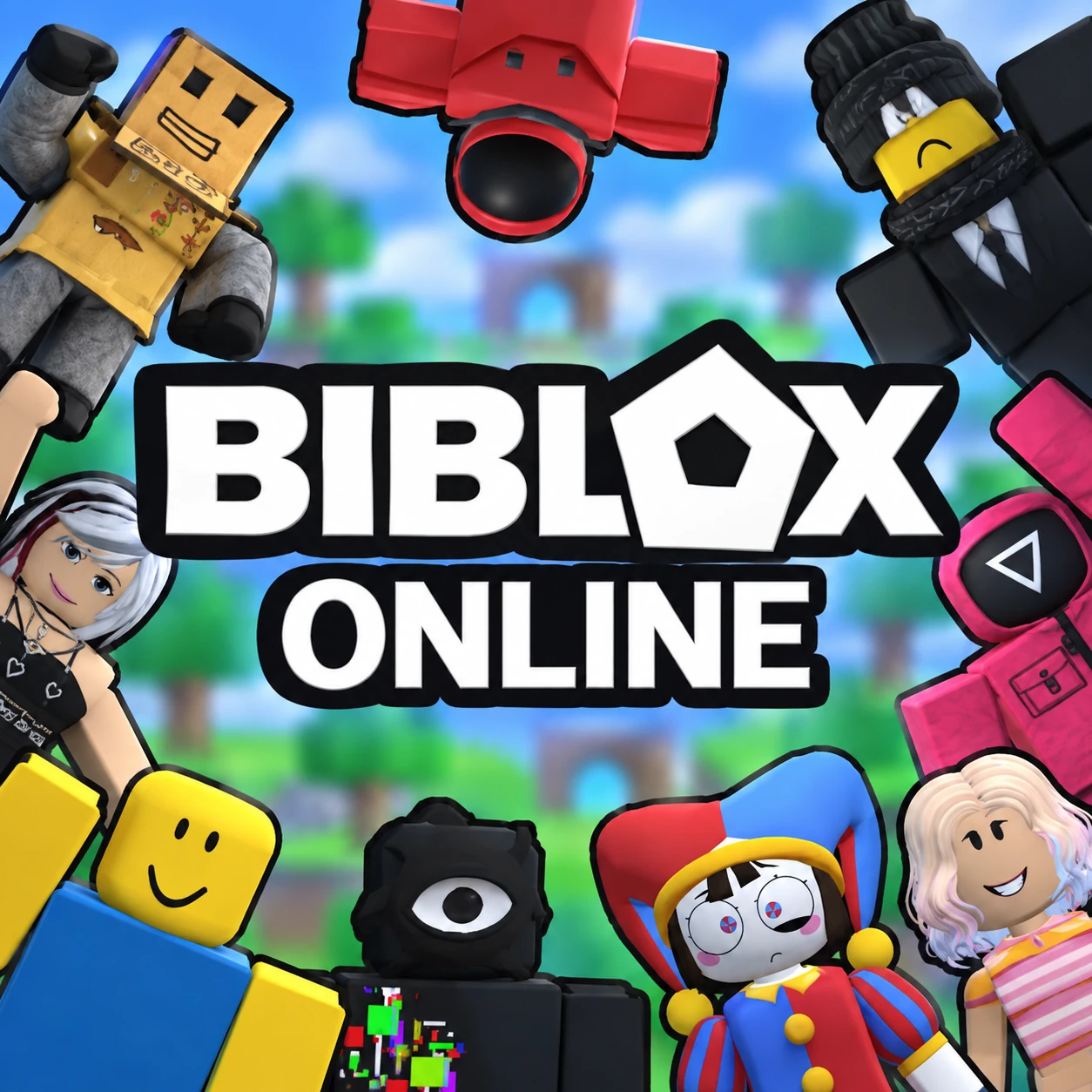
About Biblox Online
Biblox Online is a free online Roblox-style hub game where you explore a colorful world through a series of exciting mini-games. Mini Obby challenges your agility and parkour skills across dizzying obstacle courses, Speed Simulator lets you run and collect speed particles to accelerate to an incredible pace, and Color Tycoon has you buying upgrades and building a towering base one piece at a time. Each mini-game plays completely differently, so switching between them keeps a single session feeling fresh.
Before diving in, you can set a custom nickname, browse the Skins menu to change your character's look, and choose between Play Online to join a live server with other players or Play Offline for a solo session. Servers are capped by player count and shown per mini-game, so you always know how populated a room is before jumping in.
Controls
| Action | Control |
|---|---|
| Move (PC) | W / A / S / D |
| Jump (PC) | Spacebar |
| Move (Mobile) | On-Screen Buttons |
Mini Obby
Mini Obby drops you into a floating obstacle course built from narrow platforms, spinning hazards, and precarious jumps stretching out into the sky. A flag counter at the top of the screen tracks your progress through the course's numbered checkpoints, while a trophy score in the corner reflects how well your run is going. Falling doesn't necessarily end your attempt, but it does cost you progress, so careful jumping matters more than rushing blindly forward.
Speed Simulator
Speed Simulator has you running down open roads lined with diamond and gem collectibles, each one boosting your speed stat and multiplier shown at the top of the screen. The faster you get, the more ground you cover per second, turning early collectible pickups into a snowballing advantage. A currency counter tracks the diamonds you've gathered, which can be spent through the Trails, Pets, Rebirth, and Shop menus positioned around the edges of the screen to further boost your run.
Color Tycoon
Color Tycoon puts you in charge of a growing building, where spending your earned cash unlocks new upgrades, items, and additional floors for your base. A percentage bar near your currency total tracks your progress toward the next milestone, and a Rebirth option lets you reset your tycoon's progress for a permanent bonus once you've pushed it as far as it can go. A sign near your building displays your name, marking which base in the shared world belongs to you.
Tips for Progressing Faster
- Prioritise collecting every particle or diamond you pass in Speed Simulator, since your speed multiplier compounds the earlier you start collecting.
- In Mini Obby, take a beat before risky jumps rather than sprinting through unfamiliar sections of the course.
- Reinvest Color Tycoon earnings into upgrades consistently rather than saving for one big purchase, since steady growth compounds your income rate.
- Check server player counts before joining a mini-game if you'd rather play in a quieter or more populated room.
How to Play Biblox Online
- Set your nickname — Choose a name and customize your look in the Skins menu.
- Choose Online or Offline — Pick Play Online to join a live server or Play Offline for solo play.
- Pick a mini-game — Select Mini Obby, Speed Simulator, or Color Tycoon from the hub.
- Select a server — Choose a room based on its current player count.
- Play and earn — Complete obstacles, collect speed particles, or build up your tycoon base.
- Upgrade and progress — Spend earned currency on Trails, Pets, Rebirth, and Shop items to keep advancing.
Developer
Biblox Online is developed and published by Mirra Games, available to play for free on OnlineGames.io with no download or account required. The game runs in-browser and is compatible with iOS and Android mobile devices.
More Games Like This
If you enjoy the mini-game variety of Biblox Online, try Obby But You're on a Bike for another obstacle course challenge, or browse the full collection of free Roblox-style games on OnlineGames.io.