3D Dash
About 3D Dash
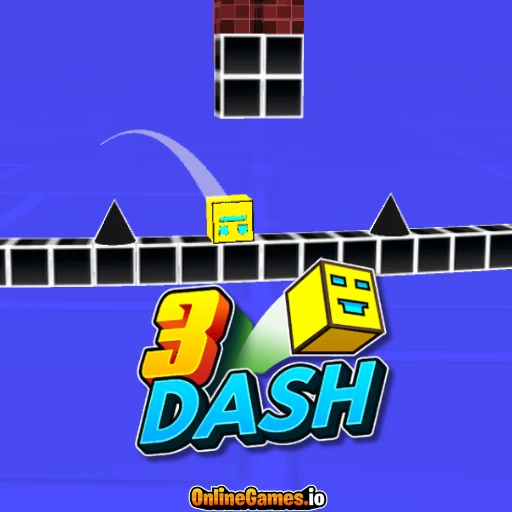
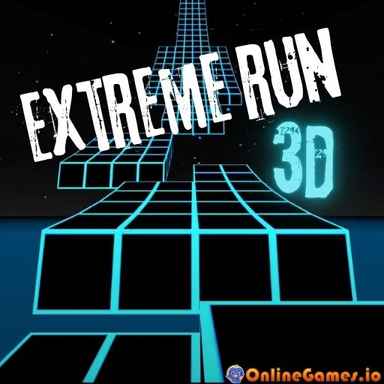
3D Dash puts you in control of a fragile cube racing across a track that rotates and shifts perspective as you move, giving you only a partial view of the dangers ahead. It plays like a 3D twist on classic Geometry Dash-style gameplay — one mistimed jump into a gap, spike, or sharp edge and you are starting the level over. The rotating camera means the same reflexes that worked a second ago will not always line up with what is coming next.
The game is level-based rather than endless, so each track has to be completed to unlock the next, and tracks get faster and more complex the further you progress. Along the way you can unlock different cube skins and effects to customize your run. It plays free in the browser on both PC and mobile with no download required.
Controls
| Action | Control |
|---|---|
| Jump (PC) | Space / Click |
| Jump (Mobile) | Tap |
Rotating 3D Perspective
What sets 3D Dash apart from flat rhythm-runner games is the constantly shifting camera. As the track rotates, gaps and obstacles that were hidden a moment ago swing into view, forcing you to react rather than memorize a fixed layout on your first attempt. It takes a few tries to get used to judging distances from a rotating angle, but it becomes second nature once you settle into the rhythm.
Progression and Cube Skins
Clearing a track unlocks the next one, with each stage adding more speed and tighter obstacle placement than the last. Progress also unlocks new cube skins and visual effects, giving you a reason to keep pushing through harder levels even after you have already seen most of what a track has to offer.
Tips for Winning at 3D Dash
Focus on rhythm over reaction — most gaps and spikes appear in a predictable pattern once you have run a track a couple of times, so treat early attempts as a chance to learn the layout. Jump slightly earlier than feels natural when the camera is mid-rotation, since perspective shifts can make obstacles look closer or farther than they really are. If you keep failing at the same spot, try tapping or clicking instead of using Space, or vice versa, since input timing can feel slightly different between the two.
How to Play 3D Dash
- Start the track — select a level to begin your run.
- Watch the rotation — track the camera as it shifts to reveal upcoming obstacles.
- Time your jumps — press Space, click, or tap to clear gaps and spikes.
- Reach the end — survive the full course without breaking.
- Unlock the next level — complete the track to progress and earn new cube skins.
More Games Like This
If you enjoy 3D Dash's fast reflex challenge, browse more arcade games. Need a break from the speed? Try Idle Coffee Business instead — rather than racing forward, you'll be brewing coffee, serving customers, and expanding your shop.